
Central Heating Controller – in Hallway
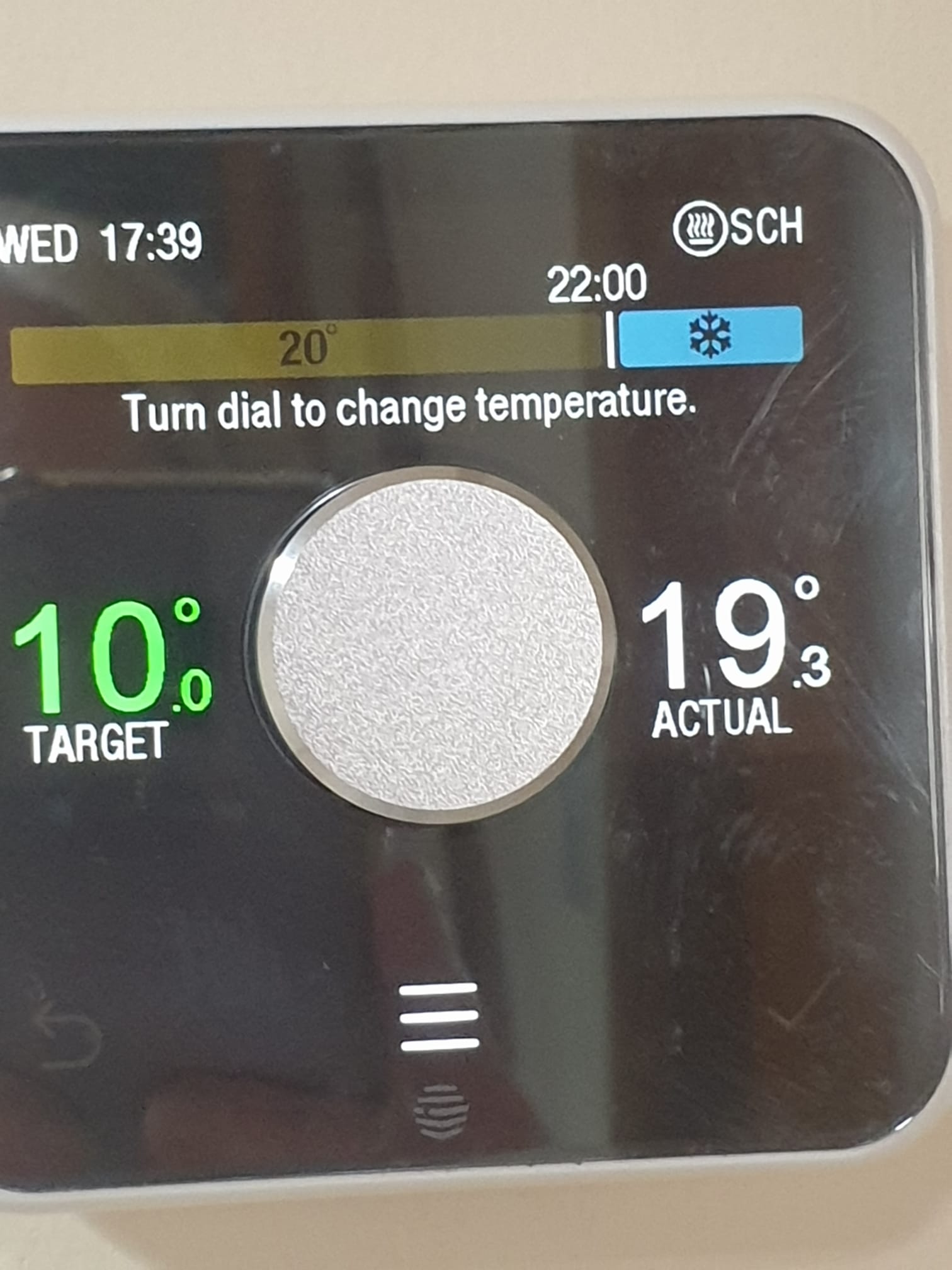
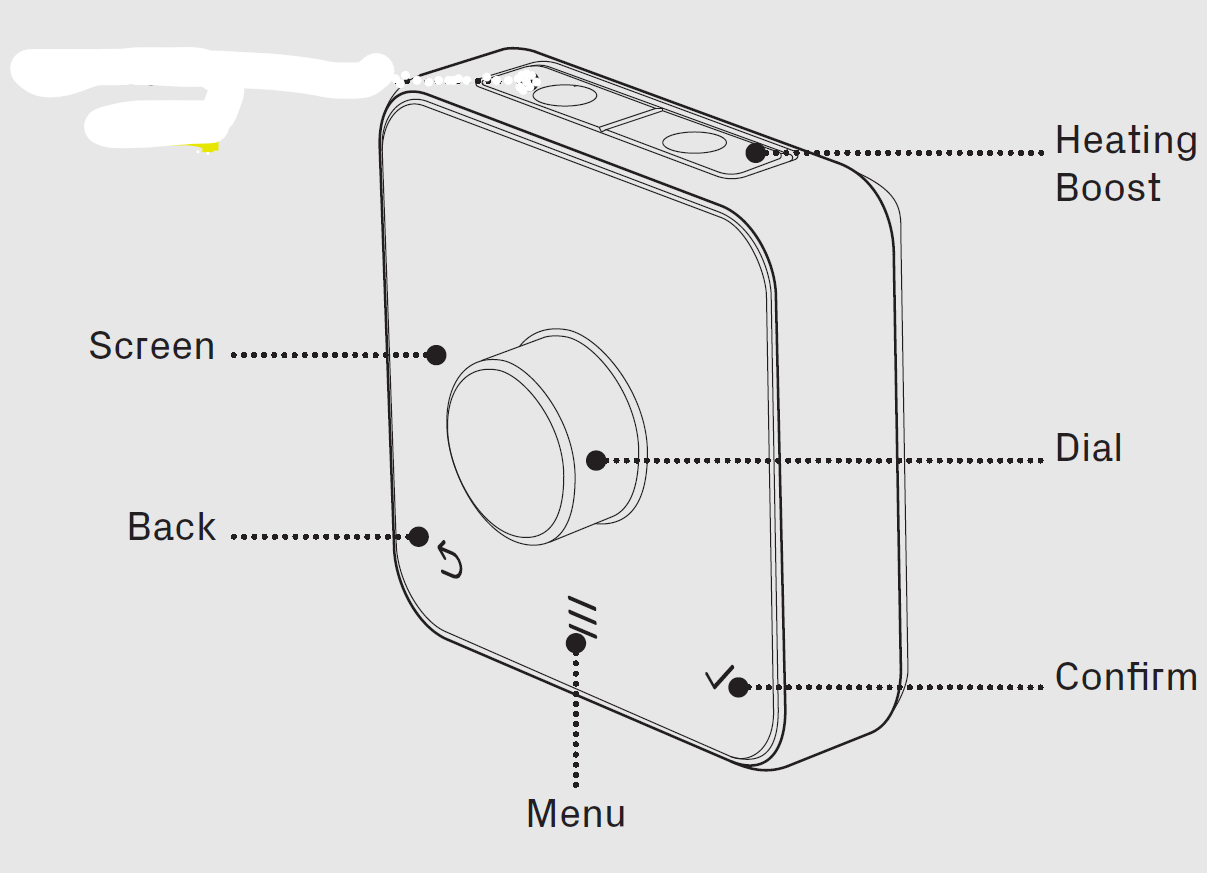
- The Central Heating is operated and controlled via the Hive Thermostat wall unit in the hallway.
- The Target Temperature is set to keep the house warm, typically around 17-19 deg C.
- To change the Target Temp, tap the Dial and turn it left or right.
- For a short term BOOST Press the Heating Boost button on top of the thermostat to turn the heating on
- Press the Heating Boost button again to increase the length of your boost.
Hot Water Controller – in kitchen cupboard

- The hot water programmer output is ON when the Red Dot on the fused switch is showing.
- The programmer is set to heat the water cylinder once per day in the evening.
- BOOST: – One press of the boost button will provide 1 hour of boost, after which the output will turn OFF.
- Two presses of the boost button will provide 2 hours of boost, after which the output will turn OFF.
- A third press of the boost button will cancel any boost period and return you to normal operating mode.
Becko built-in Oven
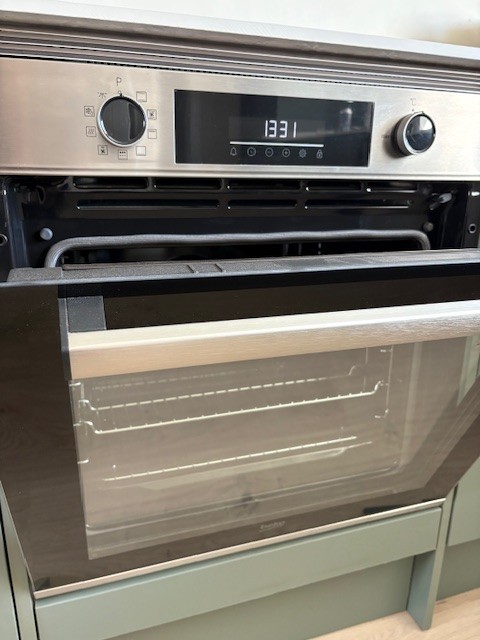
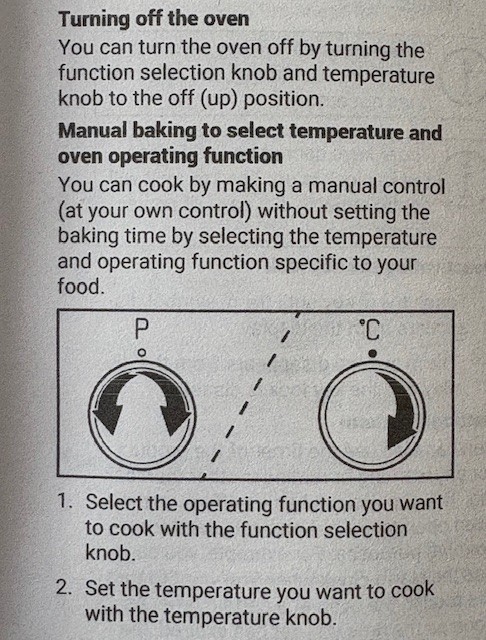
- See page 20 of the User Manual
- Basically there are two selection knobs – one for Function and the other for Temperature.
Becko built-in Hob
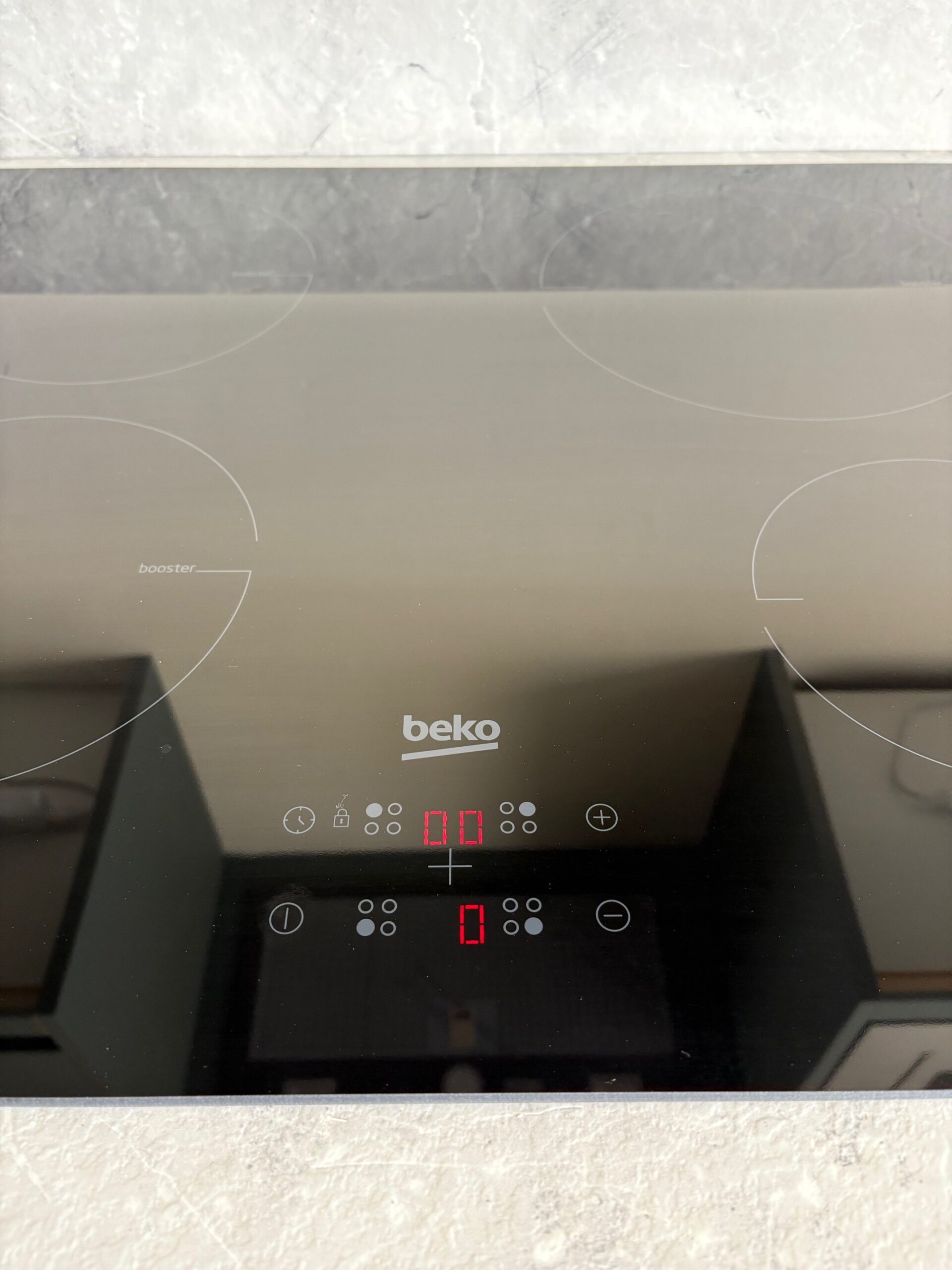
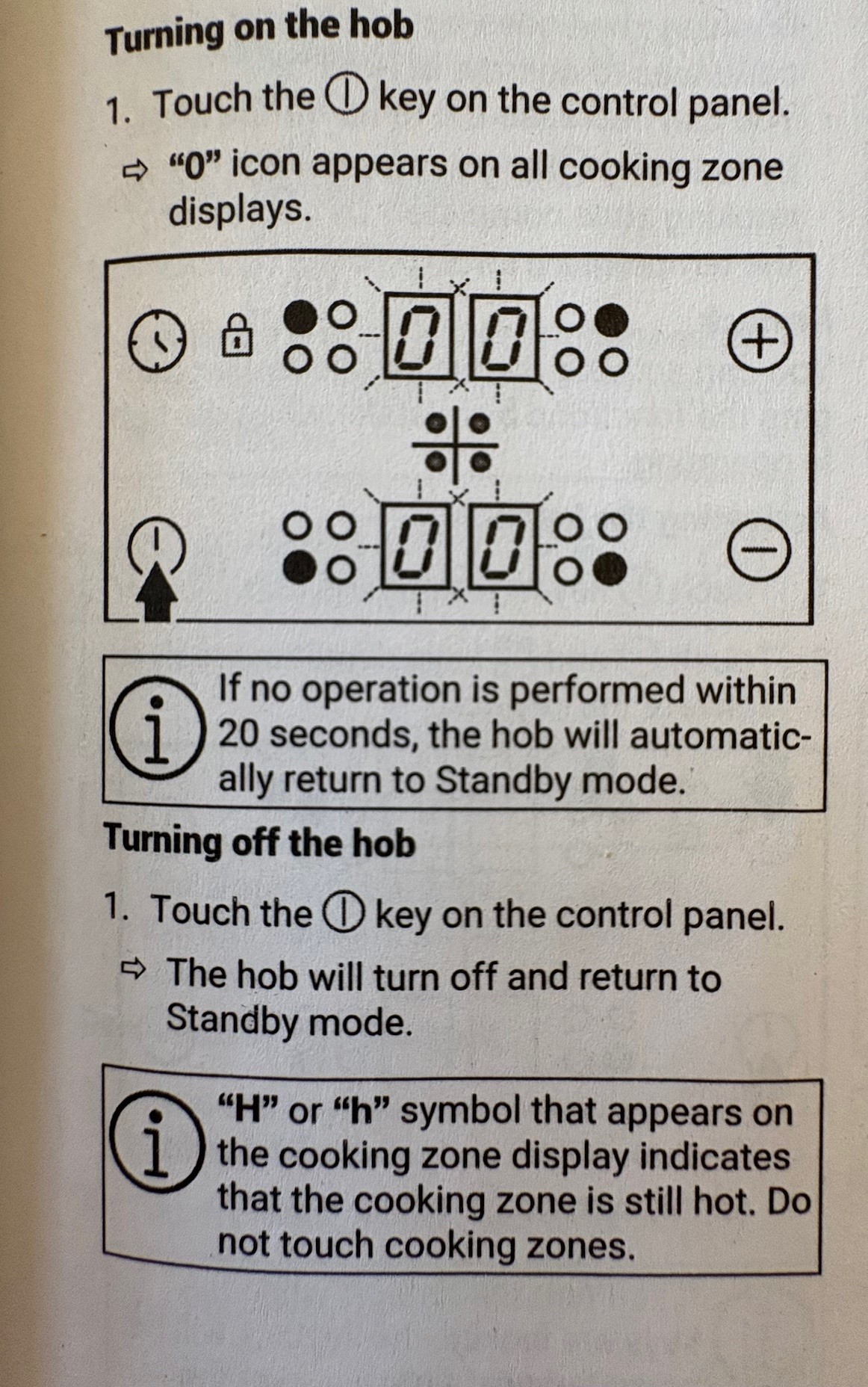
- See page 12 of the User Manual
- Basically there are tow selection knobs – one for Function and the other for Temperature.
Becko built-in Microwave Oven
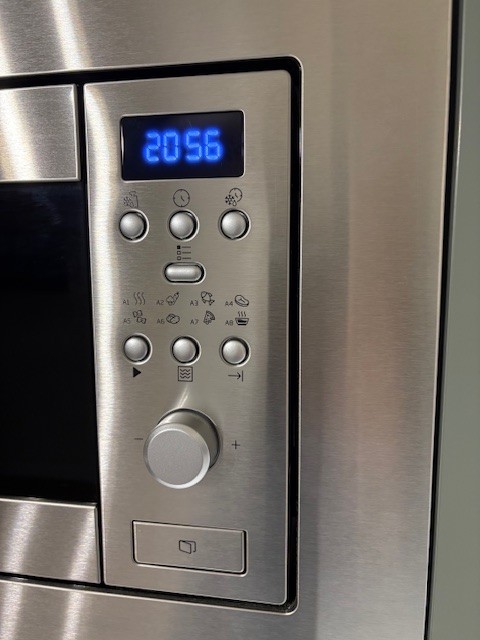
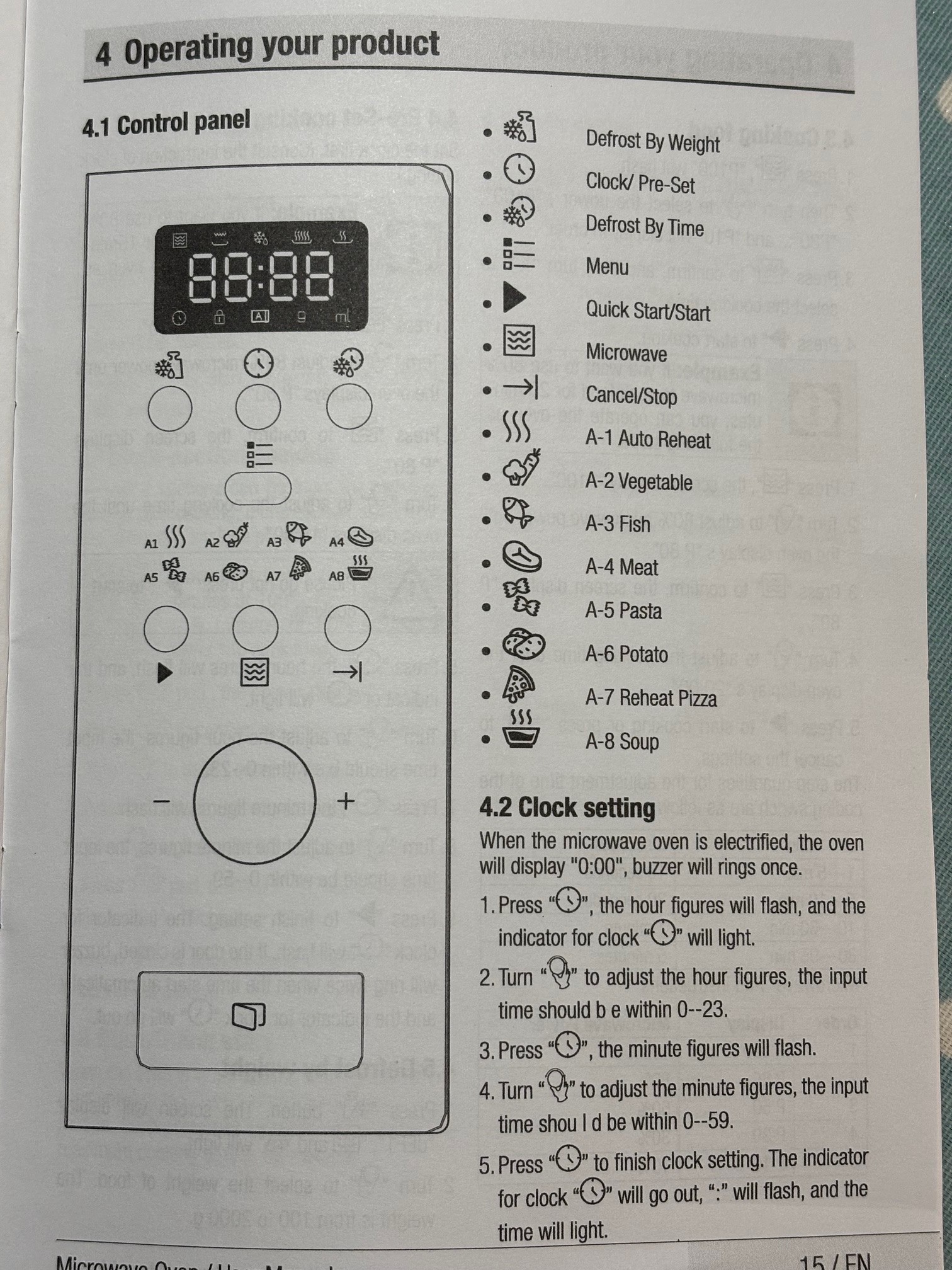
- See page 15 onwards of the User Manual
- There is a Quick Start/Start button the black Arrow/Triangle play button, and then you can turn the large knob to select an amount of time.